1
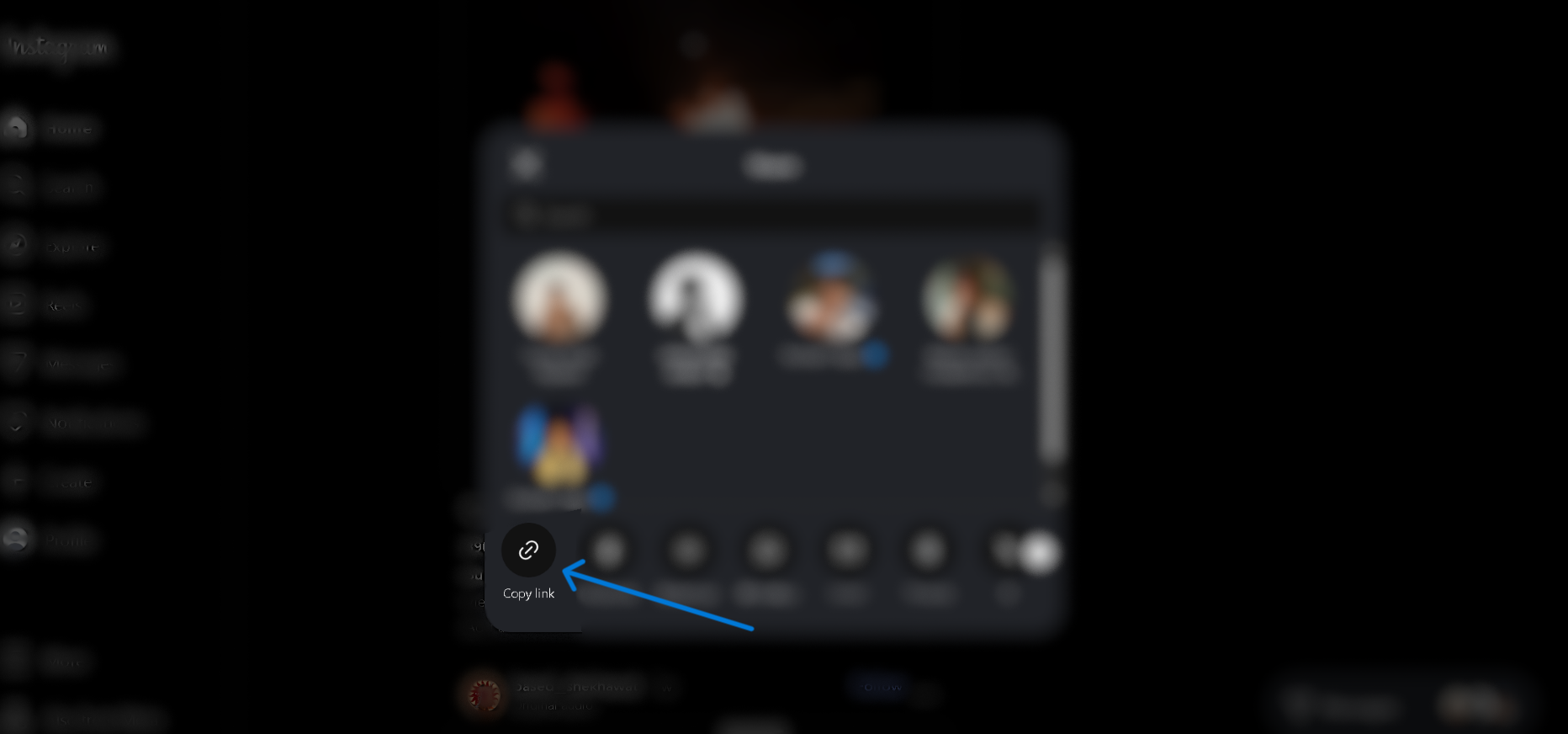
Copy the link
On Instagram, tap the Share icon and choose Copy link.

Follow these steps to save any public Instagram reel, story, photo or carousel.
On Instagram, tap the Share icon and choose Copy link.
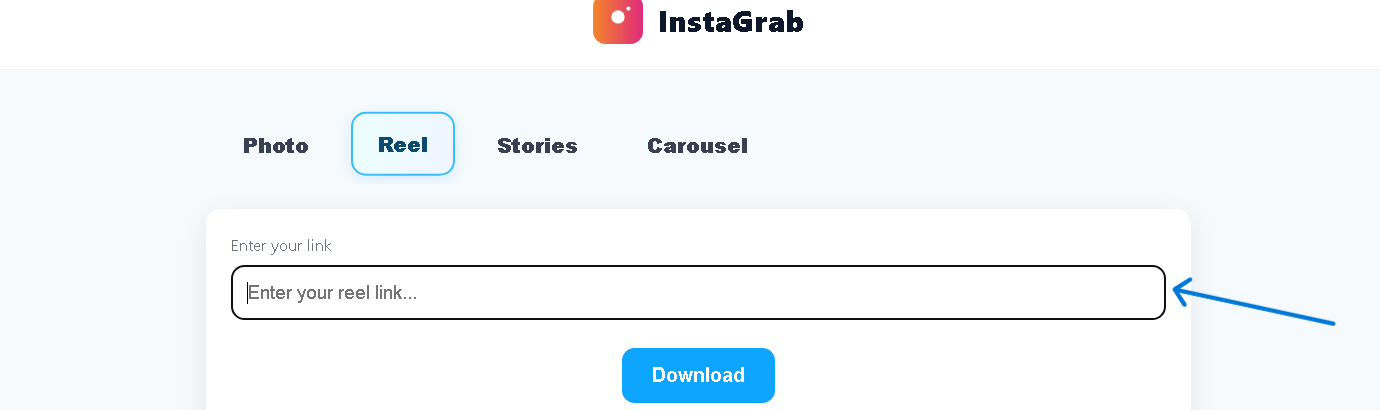
Return to InstaGrab and paste the copied link into the box above.
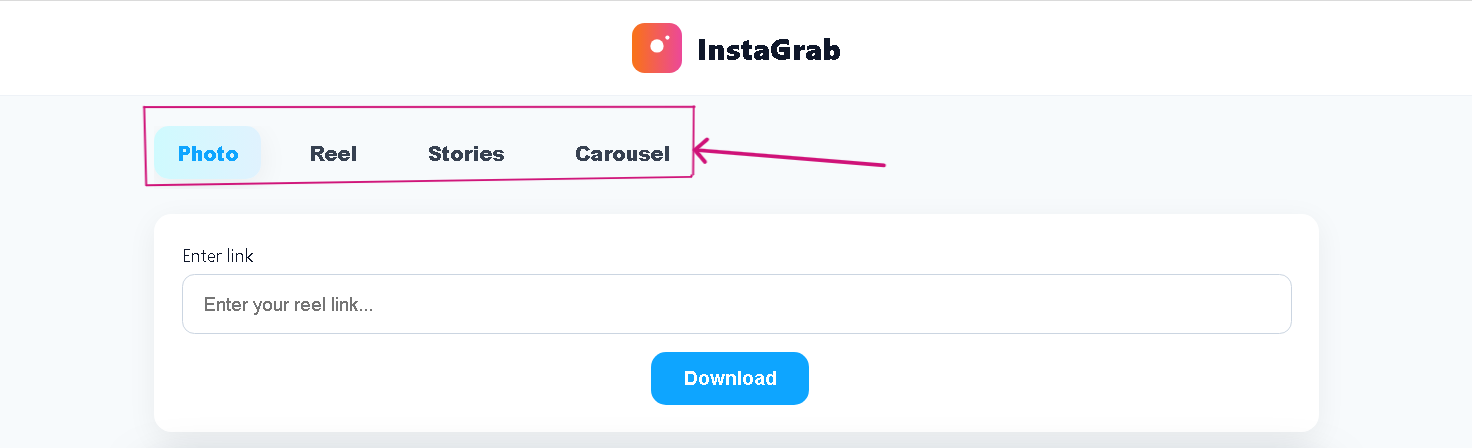
Choose Photo, Reel, Stories or Carousel to match your link.
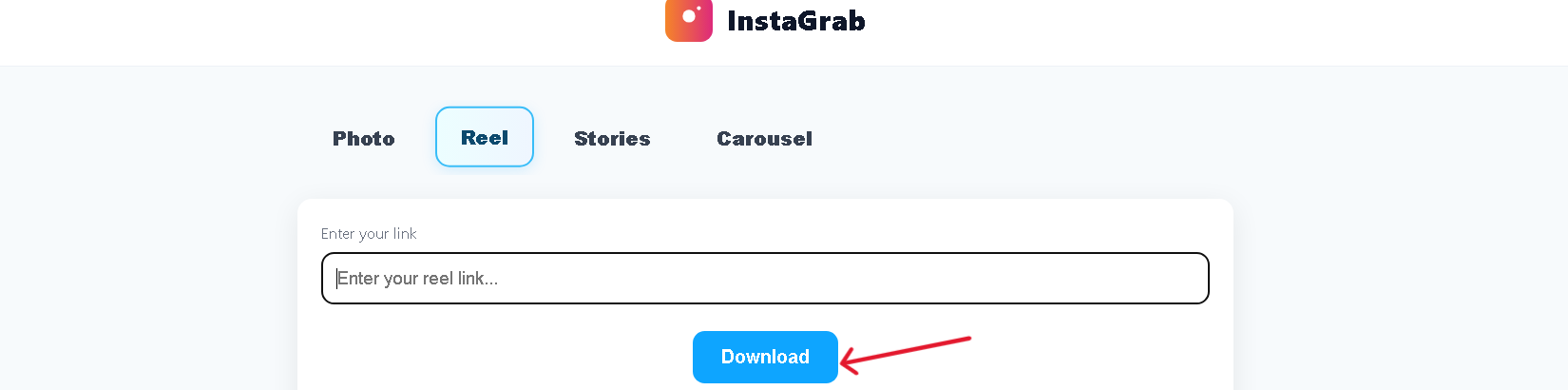
Hit the Download button. We’ll fetch the media securely from our server.
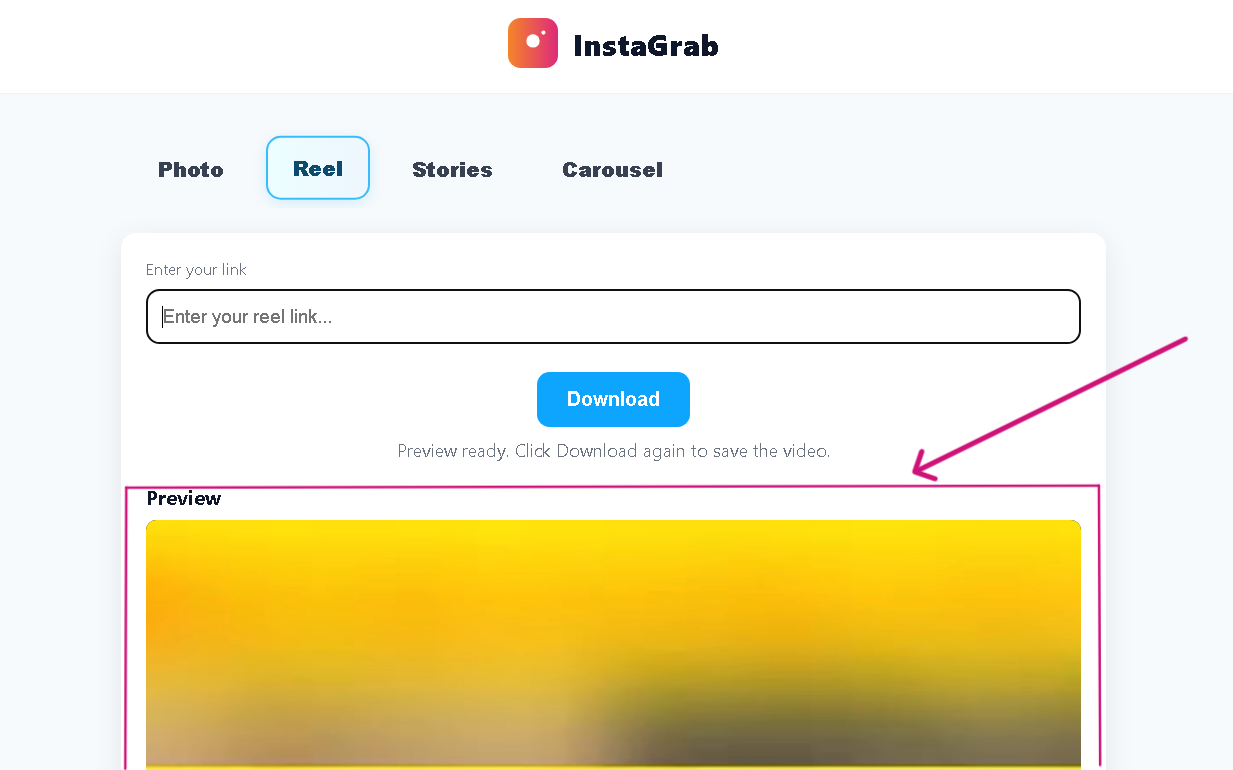
Check the preview to confirm it’s the correct Instagram post or reel.
Save the file directly to your phone or computer for offline viewing.
InstaGrab is a free Instagram downloader tool that allows users to download Reels, Stories, Photos, and Carousel posts in high quality. Our service does not require login, supports HD reel download, and works on any device. Whether you want to save an Instagram reel, store a story before it disappears, or download a photo without watermark, InstaGrab provides a fast and secure solution.